Anything
Contact
Anything
AI app builder for generating web and mobile apps from prompts, with testing and higher-tier multi-agent workflows.
Anything: A Windsurf Alternative for Prompt-Driven Web and Mobile App Building
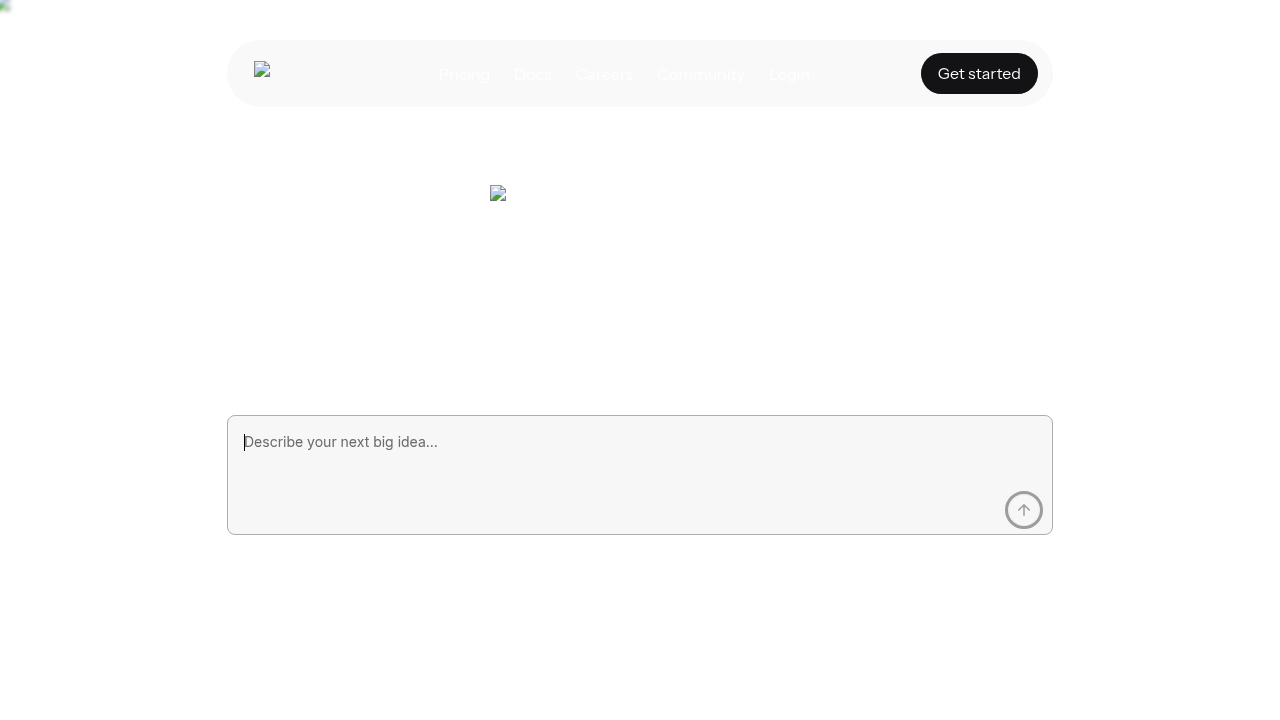
Anything is an AI app builder that turns prompts into sites, apps, tools, and products from a browser-based workflow focused on full app creation. As a Windsurf alternative, it is best suited for builders who want prompt-driven web and mobile app generation instead of an IDE-centered coding assistant. Anything is closer to a product builder than a classic code editor, with public messaging around app generation, mobile support, autonomous testing, and higher-tier multi-agent usage.
Anything vs. Windsurf: Quick Comparison
| Anything | Windsurf | |
|---|---|---|
| Type | AI app builder | AI IDE |
| IDEs | Browser-based builder for web and mobile app generation | Standalone editor with built-in agent workflow |
| Pricing | Free tier plus paid plans from $19/month to $199/month | Not publicly documented |
| Models | Frontier AI models with higher-tier features such as multi-agent runs and extended context; exact provider routing is not fully documented on the public pricing page used here | Not publicly documented |
| Privacy / hosting | Cloud builder for web and mobile projects; deeper hosting and data-isolation details are not publicly documented on the pages reviewed here | Cloud-first workflow |
| Open source | No | No |
Key Strengths
- Broader app surface than many AI coders: Anything explicitly markets both web and mobile app building rather than focusing only on code editing. That makes it a stronger fit for product creation flows where the end result matters more than the IDE experience.
- Tiered product for serious builders: The pricing page points to a ladder from free access to higher-end plans with automated testing, visual QA, multiple agents, and extended context. That suggests a more operations-heavy roadmap than a simple prompt-to-page toy.
- Natural-language-first workflow: Anything is designed around describing what you want to build and letting the agent create the structure. That lowers the friction for founders and operators who want output fast without living in a code editor.
Known Limitations
- Less traditional developer ergonomics: Anything is not sold as an AI IDE. If your work depends on repository navigation, diff-centric editing, and tight local control, Windsurf still matches that workflow better.
- Pricing can scale sharply at the high end: The public plans jump from free to $19 per month and then to $199 per month. That gives ambitious builders room to grow, but it can also make the platform feel expensive once you need the more advanced automation layers.
Best For
Anything is best for founders, solo builders, and product teams that want to generate a working app from plain-language intent. It is especially relevant when web and mobile support in one product matters more than editor-native development.
It is also a strong alternative when you need broader product scaffolding than Windsurf typically targets. Windsurf is better thought of as an AI coding environment, while Anything is closer to an agentic app factory.
Pricing
- Free tier: Anything publicly shows a free plan at $0 per month for getting started.
- Paid plan: Anything publicly shows a paid tier at $19 per month for more substantial building workflows.
- Max tier: Anything publicly shows a $199 per month tier tied to advanced features such as multi-agent work, extended context, automated testing, and visual QA.
Prices are subject to change. Check the official pricing page for current details.
Tech Details
- Type: AI app builder
- IDEs: Browser-based builder for web and mobile app generation
- Key features: web app generation, mobile app generation, database support, web search, automated testing, parallel agents on higher tiers
- Privacy / hosting: Cloud builder for web and mobile projects; deeper hosting and data-isolation details are not publicly documented on the pages reviewed here
- Models / context window: Frontier AI models with higher-tier features such as multi-agent runs and extended context; exact provider routing is not fully documented on the public pricing page used here
Setup and Workflow
Anything's docs describe a conversation-first workflow for building both web and mobile apps. That is a different starting point from Windsurf, which is more naturally slotted into an existing coding environment.
The official docs also show separate paths for building for the web, building mobile apps, and using text to build apps. That breadth is important because it signals a product trying to own the full creation flow rather than just assist code writing.
On the pricing side, Anything makes room for more agentic execution at higher tiers, including multi-agent work and automated testing. In practice, that makes it a better comparison to app builders like Lovable or Bolt than to traditional editor assistants.
Typical Use Cases
- Rapid product prototypes: Anything is ideal when you want to turn an idea into a usable app quickly without writing the initial structure manually. That makes it well suited to MVPs and internal proof-of-concepts.
- Web plus mobile exploration: Because the docs explicitly cover web and mobile builds, Anything is useful when you want one platform to validate both delivery surfaces. Windsurf does not compete on that dimension as directly.
- Agent-heavy builder workflows: The pricing page points to higher tiers with parallel agents, visual QA, and automated testing. That is relevant if you want the platform to own more of the build-verify loop instead of stopping at generation.
Team and Operational Fit
Anything fits teams that think in product outputs, customer journeys, and shipped apps rather than files and editor tabs. It is especially helpful for cross-functional teams where not everyone wants to work directly in code.
The public roadmap cues around automated testing and visual QA are also notable. They imply a platform that wants to push farther into validation and iteration, not just one-shot generation.
The trade-off is that expert developers may still prefer Windsurf for repository-level work. If your real bottleneck is debugging inside an existing codebase, an AI IDE remains a more precise tool than a broad app builder.
When to Choose This Over Windsurf
- Choose Anything when you want prompt-driven generation for both web and mobile app concepts, not just an AI helper inside an editor.
- Choose Anything when your workflow values automated testing, visual QA, and higher-tier agent orchestration more than editor-native interaction.
- Choose Anything when non-developers or mixed teams need to participate directly in the build process.
When Windsurf May Be a Better Fit
- Windsurf may be better if your work is mostly codebase maintenance, debugging, and repository navigation rather than product scaffolding.
- Windsurf may be better if you want an AI tool embedded in an editor instead of a browser-based app builder.
- Windsurf may be better if you already know the application architecture and need a coding copilot more than an app-generation platform.
Conclusion
Anything is a valid Windsurf alternative when the real job is shipping an app, not living in an editor. Its public combination of web and mobile generation, plan-based automation features, and broader app-builder framing gives it a distinctly different angle.
Teams that want an AI IDE will still lean toward Windsurf. Teams that want an agent to assemble product scaffolds, iterate across surfaces, and grow into testing-heavy workflows should look closely at Anything.
Sources
FAQ
Is Anything free?
Anything publicly lists a free plan at $0 per month, so you can start without paying immediately. Paid tiers begin at $19 per month and scale up to a $199 per month plan for heavier workflows.
Can Anything build mobile apps?
Yes. The official docs explicitly describe building native mobile apps as well as web apps. That is one of the clearest reasons to consider it over a coding IDE like Windsurf.
How does Anything compare to Windsurf?
Anything is more of an app builder, while Windsurf is more of an AI coding environment. If you want product generation across web and mobile, Anything has the broader scope.
Does Anything support advanced agent features?
Its public pricing page points to higher-tier features like multiple agents, extended context, automated testing, and visual QA. Those capabilities matter when you want more than simple prompt-to-page generation.
Does Anything expose official social channels?
Yes. The official pages reviewed here link to its X account and its YouTube channel, which is useful if you want product tutorials and public updates directly from the company.
Additional Notes
Anything's strongest claim versus Windsurf is scope. It is trying to own the product-building experience across prompts, app structure, and mobile plus web outcomes, whereas Windsurf primarily optimizes for developer flow inside a coding environment.
That difference matters if you work with non-technical teammates. A browser-based app builder with explicit mobile and testing language is easier to bring into cross-functional planning than an IDE-centric tool built mostly for engineers.
At the same time, Anything should not be confused with a better general-purpose code editor. If your core work is surgical debugging in a mature repository, Windsurf is still the more natural day-to-day tool.
The most practical way to evaluate Anything is to ask whether your bottleneck is shipping new app surfaces or steering code in an existing project. If it is the former, Anything is the stronger alternative candidate.
Additional Evaluation Notes
Anything is especially relevant if you evaluate AI tools by shipped outcomes instead of coding feel. The public docs and pricing materials frame the product around building apps, extending them, and using more automation as you move up the plan ladder. That makes it more comparable to an AI product studio than to a pure coding assistant.
The mobile angle also matters. Many AI coding tools still lead with web workflows, while Anything explicitly documents both web and mobile paths. If your roadmap spans landing pages, internal tools, and eventual mobile delivery, that broader surface can matter more than the finer points of editor ergonomics.