Cursor
Cursor - AI Code Editor and Windsurf Alternatives
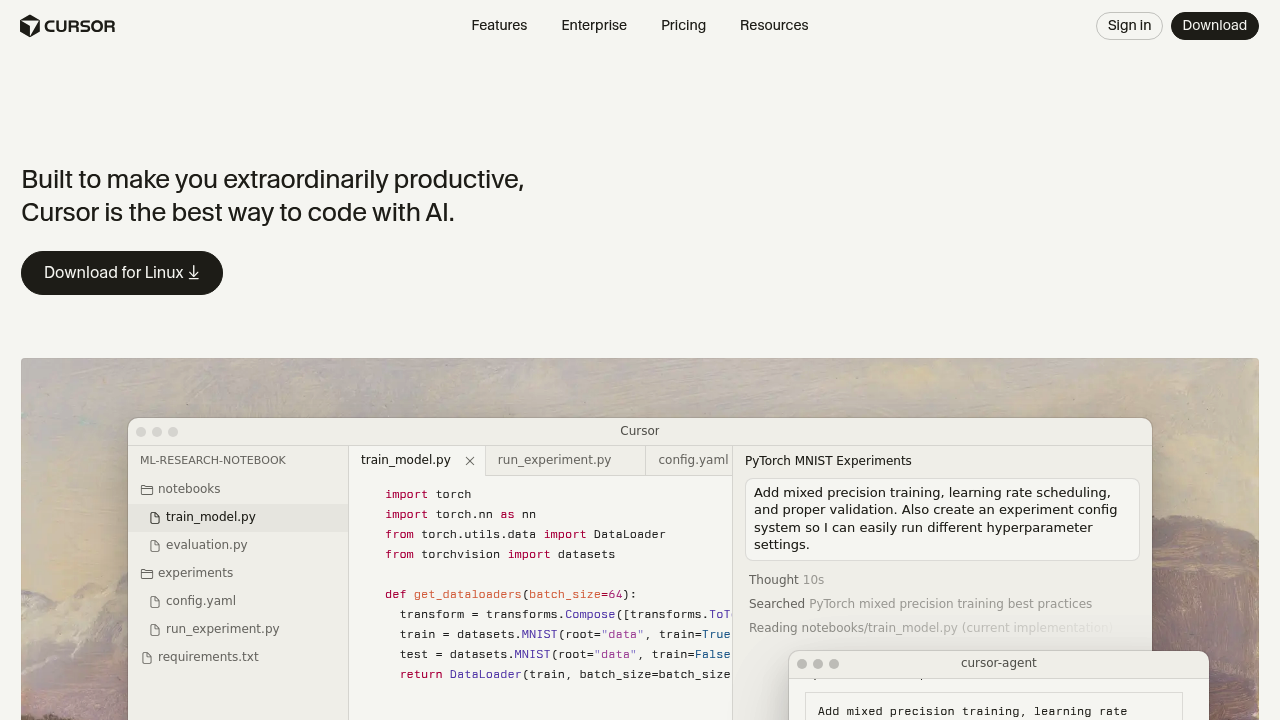
Cursor is an AI-powered code editor that deeply integrates large language models into your development workflow. It works like regular code editors but adds integrations with large language models (LLMs) that makes writing, editing, and understanding code easier and faster. Solo developers prefer it for its seamless AI assistance and context-aware completions that reduce manual coding effort.
Strengths
- Real-time AI completions and chat assistance integrated directly into the editor
- Access to powerful AI models like GPT-4, GPT-4o, and Claude 3.5 Sonnet
- Model Context Protocol support for extensibility and external context integration
- Automatic conversation summarization when reaching context window limits
- Multi-file editing capabilities with project-wide understanding
- Built on VS Code foundation providing familiar interface and extensions
Weaknesses
- Monthly subscription required for premium AI models and features
- Premium requests are limited (500 fast premium requests per month on Pro plan)
- Requires internet connection for AI features to function
- Learning curve for effectively using AI-assisted workflows
- Can encourage over-reliance on AI suggestions
Best for
Solo developers and small teams seeking AI-powered coding acceleration with familiar VS Code experience.
Pricing plans
- Free — $0/month — 200 completions, limited premium requests
- Pro — $20/month — 500 fast premium requests, unlimited completions
- Pro+ — $60/month — Enhanced model access and capabilities
- Ultra — $200/month — Power user tier with maximum model capacity
Tech details
- Type: AI-powered code editor (VS Code fork)
- IDEs: Standalone application based on VS Code architecture
- Key features: AI chat, tab completion, multi-file editing, context awareness, agent workflows
- Privacy / hosting: Cloud-based AI processing, code sent to model providers
- Models / context window: GPT-4, GPT-4o, Claude 3.5 Sonnet, context windows vary by model (typically 128k-200k tokens)
When to choose this over Windsurf
- You need proven AI coding capabilities with established model integrations
- VS Code familiarity is important for your workflow
- You want extensive community resources and documentation
When Windsurf may be a better fit
- You prefer integrated development environments over VS Code-based solutions
- Cost sensitivity makes subscription pricing prohibitive
- You need specific features that Windsurf offers but Cursor lacks
Conclusion
Cursor delivers mature AI-assisted coding through a familiar VS Code interface. Its integration with leading language models makes it effective for accelerating development workflows. The pricing tiers accommodate different usage levels from casual to power users.
Sources
- Official site: https://cursor.com/
- Docs: https://docs.cursor.com/
- Pricing: https://cursor.com/pricing