Opcode
Opcode
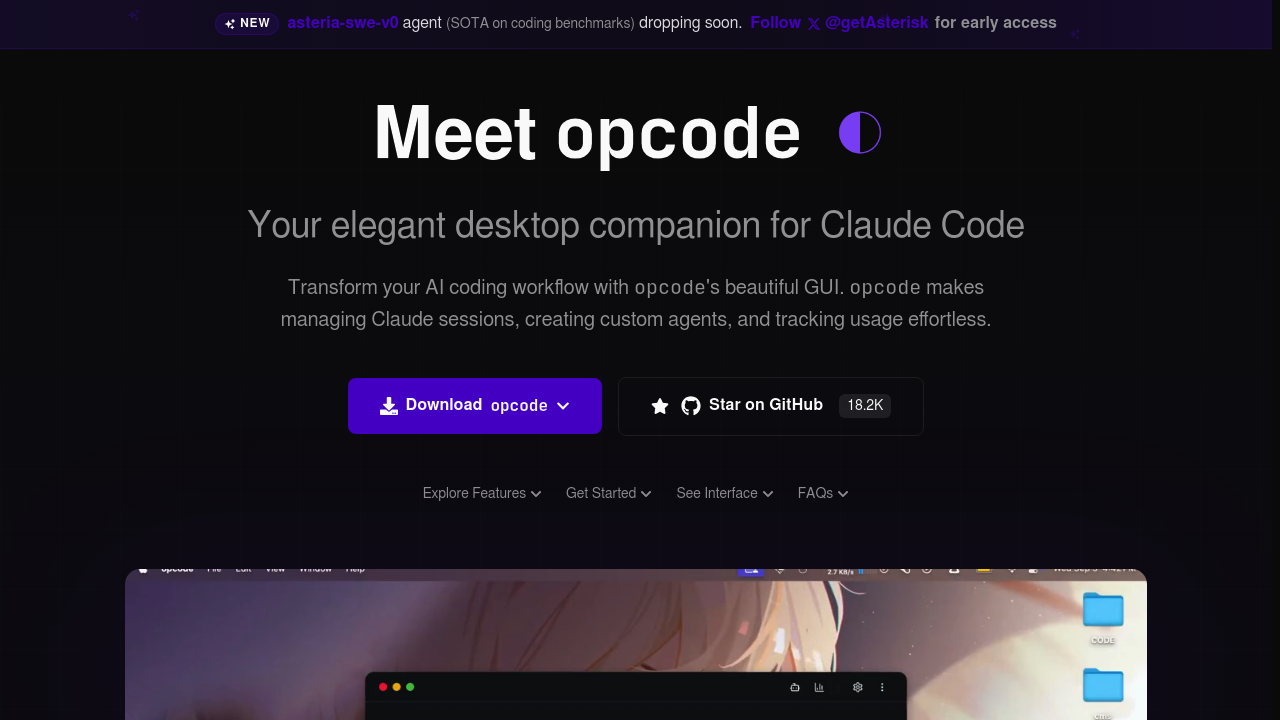
Opcode is an open-source desktop application that provides a graphical interface for Claude Code, Anthropic's terminal-based coding assistant. Built with Tauri and React, it bridges the gap between Claude Code's command-line tool and a visual experience that makes AI-assisted development more intuitive and productive. Solo developers who want a local GUI to manage coding sessions without leaving their terminal workflow may prefer Opcode for its visual project management and usage tracking capabilities.
Strengths
- Visual project browser that navigates all Claude Code projects stored in
~/.claude/projects/with session history and quick resume capabilities. - Custom agent creation that runs in isolated background processes with configurable file and network access permissions.
- Usage analytics dashboard with cost tracking and export capabilities for monitoring model usage and session histories.
- Timeline and checkpoint system for session management, allowing developers to save and restore conversation states.
- MCP (Model Context Protocol) server registry with connection testing for integrating external model servers.
- Process isolation for security—agents run in separate processes with no telemetry or data collection, and all data stays local.
Weaknesses
- Requires Claude Code to be installed separately—Opcode is a GUI wrapper, not a standalone coding assistant.
- Inherits Claude Code's usage limits from Pro ($20/month) or Max ($100-$200/month) plans, which reset every five hours.
- Early-stage project with potential stability issues compared to mature IDEs.
- Limited to Claude models only—no support for OpenAI, Gemini, or other LLM providers.
- Windows users may encounter path detection issues requiring manual configuration.
Best for
Developers who already use Claude Code and want visual project management, session tracking, and custom agent workflows without switching to a full IDE.
Pricing plans
- Free — $0/forever — Open-source software (AGPL license). No seat limits, no rate limits. Usage costs tied to underlying Claude Code subscription.
- Claude Code Requirements — Pro plan at $20/month (40-80 hours Sonnet 4/week) or Max plans at $100-$200/month (140-480 hours Sonnet 4/week) — Usage limits shared across Claude chat and Claude Code, reset every five hours.
Tech details
- Type: Desktop GUI application for Claude Code (not a standalone IDE or coding assistant).
- IDEs: Works alongside any IDE or editor since it manages Claude Code terminal sessions. Claude Code itself integrates with VS Code, JetBrains, and any terminal environment.
- Key features: Visual project/session browser, custom agent builder, usage analytics, MCP server management, timeline/checkpoint system, CLAUDE.md file management.
- Privacy / hosting: Fully local, self-hosted desktop application. All session data stored on user's machine via SQLite. No telemetry, no external data transmission except Claude API calls.
- Models / context window: Claude Sonnet 4 and Opus 4 models (Pro users limited to Sonnet; Max users access both). Context window depends on Claude model—typically 200K tokens standard.
When to choose this over Windsurf
- You prefer terminal-based workflows and want a lightweight GUI layer rather than a full IDE replacement.
- You need granular session management with checkpoints, resume capabilities, and detailed usage analytics for Claude Code.
- You want to run custom background agents with isolated processes and configurable permissions for specific coding tasks.
When Windsurf may be a better fit
- You want an all-in-one AI-native IDE with built-in editor, file browser, and integrated AI features rather than a separate GUI tool.
- You need multi-model support beyond Claude (Windsurf supports Claude, GPT, and other providers through its Cascade system).
- You prefer agentic IDE features like Cascade flows that combine context awareness with autonomous multi-file editing inside the editor itself.
Conclusion
Opcode transforms Claude Code from a command-line tool into a visual workflow management system. It excels at project organization, custom agent creation, and usage tracking while maintaining local-first privacy. For developers invested in the Claude ecosystem who want session management without abandoning their existing IDE, Opcode offers a compelling open-source alternative to full AI-native editors. However, teams requiring multi-model support or an integrated coding environment may find Windsurf alternatives like Windsurf or Cursor more comprehensive.
Sources
- Official site: https://opcode.sh/
- Docs: https://github.com/winfunc/opcode
- Pricing: https://www.anthropic.com/pricing (Claude Code requirements)