Aider
Open-source command-line AI coding assistant for terminal-based development workflows.
aider - AI Pair Programming in Your Terminal
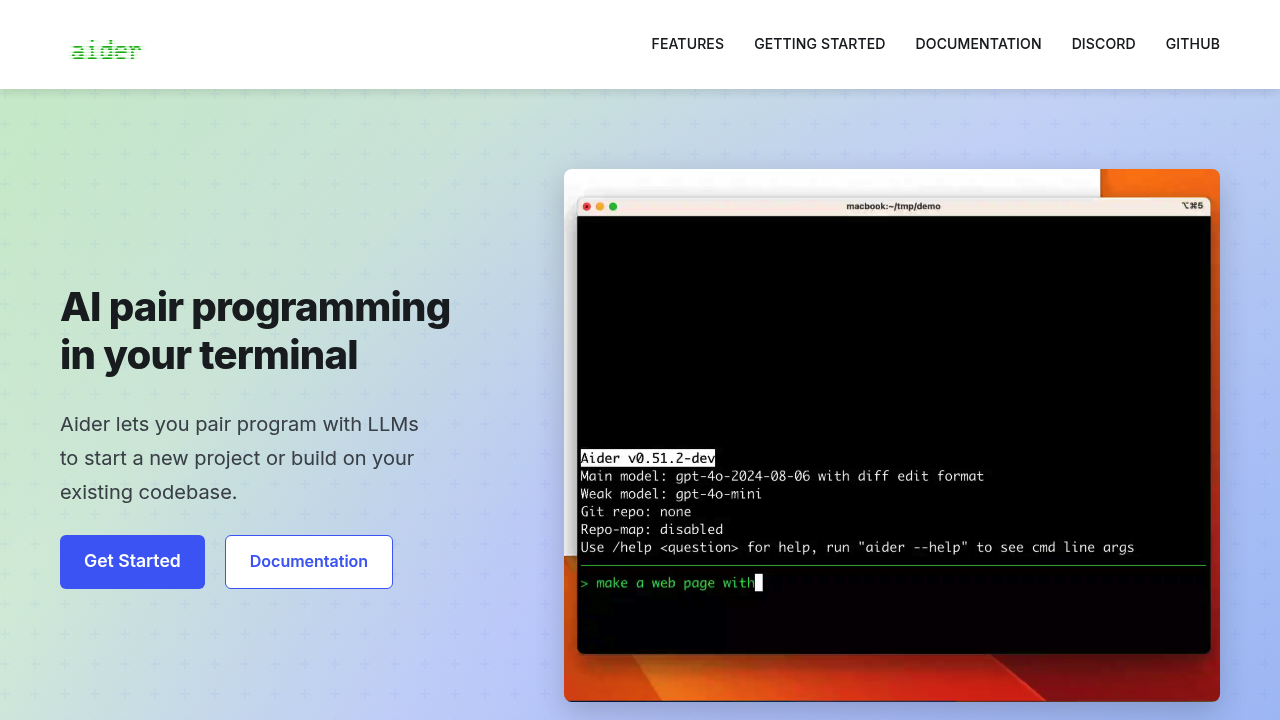
Aider is an open-source AI pair programming tool that operates directly in your terminal. It works best with Claude 3.7 Sonnet, DeepSeek R1 & Chat V3, OpenAI o1, o3-mini & GPT-4o, but can connect to almost any LLM, including local models. Aider makes a map of your entire codebase, which helps it work well in larger projects. Solo developers prefer it for its minimal overhead and precise surgical code changes without disrupting existing workflows.
Strengths
- Terminal-native workflow eliminates context switching between IDE and AI assistant
- Automatically lint and test your code every time aider makes changes
- Makes a map of your entire codebase, which helps it work well in larger projects
- Add images and web pages to the chat to provide visual context, screenshots, reference docs
- Speak with aider about your code using voice commands
- Completely free but requires your API keys
Weaknesses
- Requires comfortable terminal usage and command-line proficiency
- The pricing can get high when using API calls extensively
- No built-in IDE features like syntax highlighting or debugging
- You have to wait for AI responses during development flow
Best for
Command-line developers and terminal power users who want precise AI assistance without GUI overhead.
Pricing plans
Free — $0/cycle — Completely free but requires your API keys
Tech details
- Type: Command-line AI coding assistant
- IDEs: Aider can watch your files and respond to AI comments you add in your favorite IDE or text editor
- Key features: Voice-to-code, automatic testing, linting, image/web page context, prompt caching
- Privacy / hosting: Self-hosted, runs locally, connects to external LLM APIs
- Models / context window: Claude 3.7 Sonnet, DeepSeek R1 & Chat V3, OpenAI o1, o3-mini & GPT-4o, plus local models
When to choose this over Windsurf
- You prefer terminal-based development workflows over GUI applications
- You want complete control over LLM provider and API costs
- You need voice-controlled coding or advanced codebase mapping features
When Windsurf may be a better fit
- You prefer integrated IDE experiences with visual interfaces
- You want predictable subscription pricing instead of pay-per-use API costs
- You need extensive built-in debugging and project management tools
Conclusion
Aider serves developers who want powerful AI assistance without leaving their terminal environment. Among Windsurf alternatives, it stands out for its surgical precision and voice integration capabilities. It processes files for just $0.007 each, making it cost-effective for focused development work.
Sources
- Official site: https://aider.chat/
- Docs: https://aider.chat/docs/