Claude Code
Terminal-based AI coding agent that understands your codebase and handles complex development workflows.
Claude Code - Best Windsurf Alternatives for Command Line Development
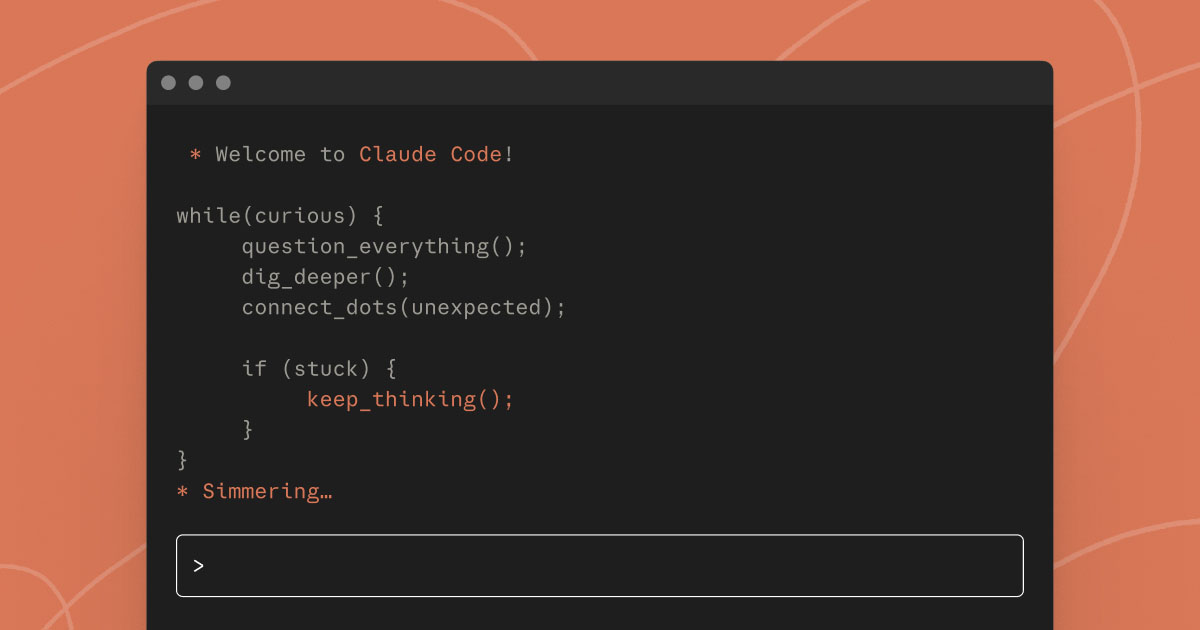
Claude Code is a command-line AI coding assistant that operates directly in your terminal. It understands your codebase and helps you code faster by executing routine tasks, explaining complex code, and handling git workflows through natural language commands. Solo developers prefer it for deep codebase analysis and multi-file operations without switching between tools. It integrates with GitHub, GitLab, and command line tools to handle entire workflows from your terminal.
Strengths
- Excels at both routine development tasks like bug fixes and testing, as well as transformative work like refactors and feature implementation that require deep codebase understanding.
- Handles entire workflow—reading issues, writing code, running tests, and submitting PRs—all from your terminal.
- Works alongside your preferred IDE and development tools without requiring changes to your setup.
- Provides subjective code reviews beyond traditional linting tools, identifying typos, stale comments, and misleading naming.
- Designed for complex, multi-step operations involving entire codebase analysis and coordinating changes across multiple files.
Weaknesses
- Expensive in relative terms compared to other developer tools priced around $20 monthly.
- Usage limits reset every five hours and are shared across all Claude products (web, desktop, mobile).
- Requires existing Claude Pro, Max, Team, or Enterprise subscription access
- Command-line interface may have steeper learning curve for GUI-oriented developers
Best for
Terminal-focused developers who need deep codebase understanding and complex multi-file operations.
Pricing plans
- Pro — $20/month — Light usage with approximately 6,480–6,696 messages per month, includes Claude Opus 4, Sonnet 4, and Haiku 3.5
- Max — $100/month — More intensive coding needs with higher usage capacities
- Team — Unknown pricing — Premium seat access required
- Enterprise — Unknown pricing — Premium seat access required
Tech details
- Type: Command-line AI coding agent
- IDEs: VSCode, JetBrains IDEs, Emacs via /ide command integration
- Key features: Natural language commands, codebase understanding, git workflow handling, GitHub integration
- Privacy / hosting: Cloud-based through Anthropic, requires internet connection
- Models / context window: Claude Opus 4, Sonnet 4, Haiku 3.5, context size unknown
When to choose this over Windsurf
- You prefer terminal-based development workflows over GUI interfaces
- You need deep multi-file codebase analysis and complex refactoring capabilities
- Your development process heavily involves git workflows and CI/CD integration
When Windsurf may be a better fit
- You prefer integrated IDE experiences with visual interfaces
- Budget constraints make the higher pricing prohibitive
- You need consistent usage without hourly reset limitations
Conclusion
Claude Code offers powerful terminal-based AI coding assistance for developers comfortable with command-line workflows. Its integration with development tools and ability to handle entire workflows makes it valuable for complex projects. However, the higher pricing and usage limitations require careful consideration against your development needs and budget.
Sources
- Official site: https://claude.com/product/claude-code
- Docs: https://docs.claude.com/en/docs/claude-code
- Pricing: https://www.anthropic.com/pricing