ForgeCode
Contact
ForgeCode
Terminal-native AI coding agent with broad model coverage, large-scale refactor tooling, task-oriented workflows, and an open-source codebase for developers who prefer shell-first execution.
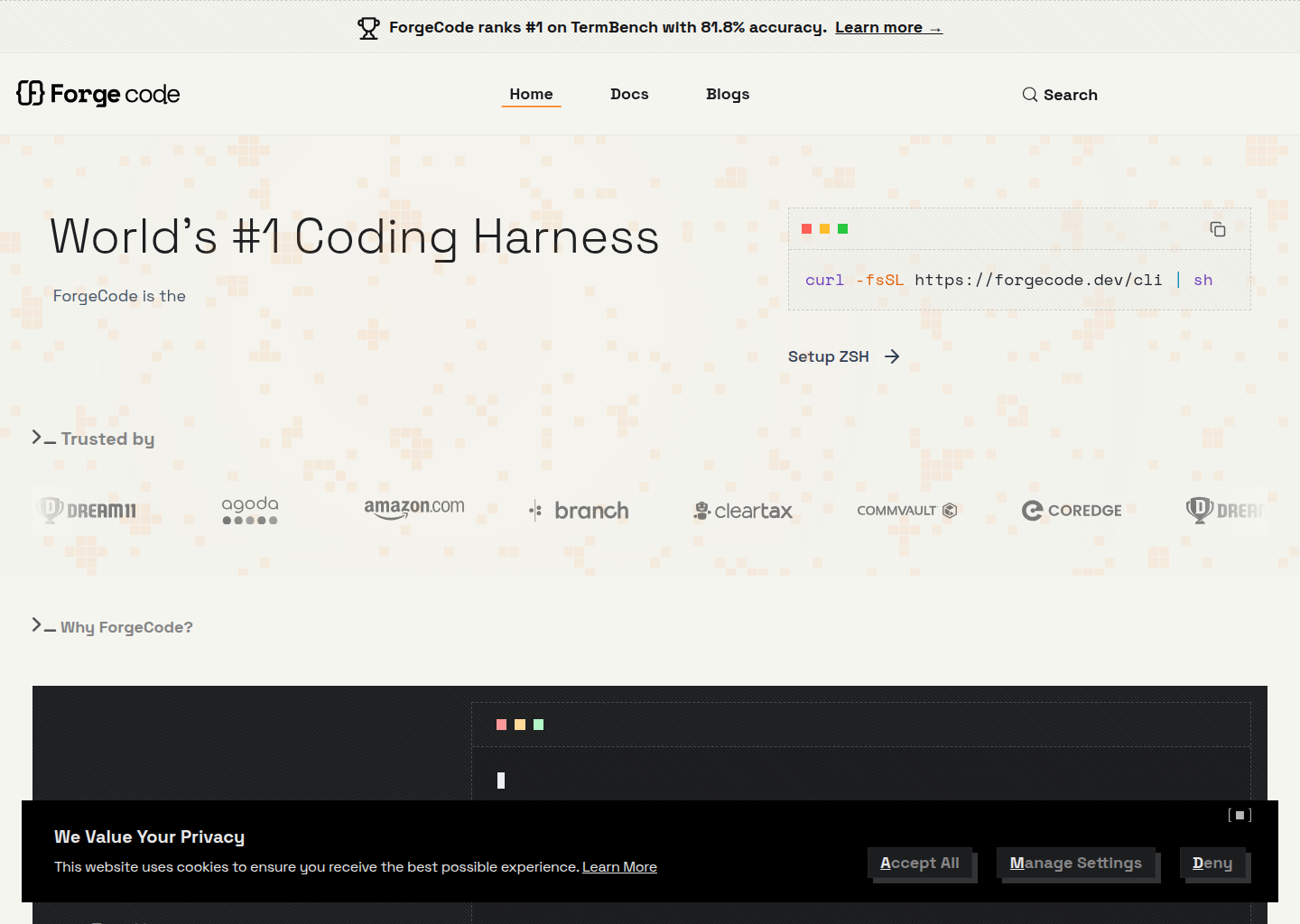
ForgeCode: A Windsurf alternative for developers who want a terminal-native coding agent with broad model support, large-codebase tooling, and a stronger emphasis on raw coding throughput than on IDE aesthetics
ForgeCode is a CLI agent developed by tailcallhq / ForgeCode. Terminal-native AI coding agent with broad model coverage, large-scale refactor tooling, task-oriented workflows, and an open-source codebase for developers who prefer shell-first execution. As a Windsurf alternative, it fits developers who want a terminal-native coding agent with broad model support, large-codebase tooling, and a stronger emphasis on raw coding throughput than on IDE aesthetics.
ForgeCode vs. Windsurf: Quick Comparison
| ForgeCode | Windsurf | |
|---|---|---|
| Type | CLI agent | AI IDE |
| IDEs | Terminal-first workflow with editor coexistence rather than a proprietary IDE shell | Standalone / editor-centric workflow |
| Pricing | The official pricing announcement says ForgeCode keeps a permanent free tier so users can evaluate the workflow without paying first. | Not publicly documented in this listing |
| Models | Official pages emphasize support for Claude, GPT, O-series, Gemini, Grok, DeepSeek, and many other models, but they do not publish one stable public context-window matrix | Not publicly documented in this listing |
| Privacy / hosting | Local terminal workflow with user-selected model providers; hosted economics come from the pricing plan and provider path rather than a fixed closed IDE runtime | Not publicly documented in this listing |
| Open source | Yes | No |
Key Strengths
- Terminal-native workflow stays close to real engineering habits: ForgeCode is built for developers who want the agent in the terminal instead of wrapped inside a glossy IDE. That matters when the daily job includes shell commands, repository navigation, refactors, and a workflow that already feels natural without a visual abstraction layer.
- Strong public emphasis on model breadth: Official and repo-facing material repeatedly highlights support across a wide list of model families. That gives ForgeCode a practical appeal for buyers who want flexibility and do not want their coding workflow locked to one provider or one style of model routing.
- Open-source codebase with serious coding ambition: ForgeCode is not positioning itself as a toy wrapper around prompts. The product story is about pair programming, scale, and coding throughput, which makes it more credible for developers comparing it to serious agents rather than casual assistants.
Known Limitations
- Marketing claims need disciplined evaluation: ForgeCode has a louder benchmark-and-performance aura than some competitors, which means buyers should separate the product's real strengths from the most aggressive framing around it. The tool may still be strong, but it deserves a grounded trial rather than a purely headline-driven decision.
- Still less approachable for GUI-first teams: A terminal-native product is a feature for some teams and a barrier for others. Developers who want a more visual AI IDE with richer onboarding and built-in editor affordances may find Windsurf easier to adopt.
- Pricing still maps to request economics: Even with a permanent free tier and a visible Pro plan, serious daily usage still needs cost attention. Teams should verify how request-based economics behave under their actual coding patterns instead of assuming the headline tier is the whole story.
Best For
ForgeCode is best for developers who want a shell-first coding agent with broad model choice and a stronger focus on raw coding throughput than on productized IDE polish. It fits especially well when the team already likes terminal-native work and wants a serious open-source alternative in that category.
It is a weaker fit for teams that want a more visually guided AI IDE or a workflow that is easier for mixed-skill contributors to understand quickly. Windsurf usually has the advantage there because its operating model is more immediately approachable.
Pricing
- Free: The official pricing announcement says ForgeCode keeps a permanent free tier so users can evaluate the workflow without paying first.
- Pro: The same official announcement says the Pro plan is $20 per month and includes up to 1,000 AI requests per day.
- Higher tiers: The public pricing write-up and broader marketing point to richer paid and organizational paths, but not every enterprise detail is fully spelled out on the reviewed pages.
Prices are subject to change. Check the official pricing page for current details.
Tech Details
- Type: CLI agent
- IDEs: Terminal-first workflow with editor coexistence rather than a proprietary IDE shell
- Key features: terminal AI pair programmer, 300+ model support, task-oriented workflows, large refactor support, shell-native operation, open-source codebase, broad provider flexibility
- Privacy / hosting: Local terminal workflow with user-selected model providers; hosted economics come from the pricing plan and provider path rather than a fixed closed IDE runtime
- Models / context window: Official pages emphasize support for Claude, GPT, O-series, Gemini, Grok, DeepSeek, and many other models, but they do not publish one stable public context-window matrix
Workflow Fit
ForgeCode fits best when the repository, shell, and command-line habit stack are already the natural environment for engineering work. In that context, the agent does not need to invent a new workflow; it simply accelerates one the team already trusts.
The tradeoff is that the tool asks the buyer to be comfortable with a more terminal-centric operating model and a more request-shaped pricing story. That is fine for developer-heavy teams, but it is extra friction for buyers who want a more polished AI IDE experience.
When to Choose This Over Windsurf
- Choose ForgeCode when terminal-native execution and provider flexibility matter more than a polished IDE shell.
- Choose ForgeCode when you want an open-source coding agent with a visible free tier and a stronger shell-first identity.
- Choose ForgeCode when large-codebase or task-oriented CLI work is the real center of the workflow.
When Windsurf May Be a Better Fit
- Windsurf is a better fit when the team wants an AI IDE rather than a terminal-native agent.
- Windsurf is a better fit when onboarding speed and GUI comfort matter more than model breadth and shell flexibility.
- Windsurf is a better fit when the team prefers a more opinionated product surface over a rawer open-source CLI story.
Evaluation Questions Before You Choose
Ask whether the team actually wants a shell-first coding agent or whether it wants an IDE that happens to have agents. ForgeCode is stronger in the first scenario; Windsurf is usually stronger in the second.
Also ask how much weight to give performance marketing versus day-to-day workflow fit. The right choice depends on lived engineering habits more than on one benchmark headline.
Implementation and Adoption Notes
The biggest implementation question is not whether ForgeCode can produce an impressive first demo. It is whether the team is comfortable with the operational center of gravity that the product creates. Some tools want the work to stay close to a terminal harness. Some want it to live inside an IDE. Others sit somewhere in between. Teams that ignore that workflow reality often choose the wrong tool for the right-looking feature list.
Adoption works best when the surrounding engineering habits already match the product's shape. A terminal-heavy team will judge ForgeCode differently from a JetBrains-heavy team or a product-building team that values visual context more than shell fluency. That is why the honest buying decision is less about hype and more about where developers actually spend their day.
Cost and Governance
Cost and governance deserve a direct evaluation because AI coding tools do not only differ in raw output quality. They differ in how pricing influences experimentation, whether the workflow is easy to standardize, and how much ownership the team has over prompts, packages, provider choice, or agent behavior. Those differences shape long-term satisfaction more than short benchmark wins.
With ForgeCode, the right question is whether its cost model and control surface match the team's maturity. A team that wants deep ownership may welcome flexibility. A team that wants a simpler managed experience may see the same flexibility as extra operational burden. Windsurf often wins the second case even when an alternative looks stronger on paper.
Migration Considerations
Switching from Windsurf to ForgeCode is not only a feature comparison. It is a workflow decision about whether the team wants to move closer to a terminal harness, a different IDE surface, or a different balance of openness versus convenience. That change can be productive when it lines up with the way the team already works. It becomes wasteful when it asks people to abandon habits that were not actually the problem.
A practical evaluation path is to test one repeated job instead of one flashy prompt. Try a feature branch, bug fix, review-heavy task, or multi-file refactor and watch where the friction appears. If ForgeCode reduces real weekly friction there, it is a serious Windsurf alternative. If not, the headline differences probably matter less than they first seemed.
Conclusion
ForgeCode is a credible Windsurf alternative for developers who prefer a terminal-native, model-flexible, open-source coding agent over an IDE-shaped product. Its best argument is workflow fit for serious shell-first engineers.
Pick ForgeCode when the shell is the natural home for the work and model freedom matters. Stay with Windsurf when a more approachable AI IDE experience is more valuable than a rawer CLI-first agent.
Sources
FAQ
Is ForgeCode free?
Yes. The official pricing announcement says ForgeCode keeps a permanent free tier.
How much does ForgeCode Pro cost?
The official pricing announcement says the Pro plan costs $20 per month and includes up to 1,000 AI requests per day.
How is ForgeCode different from Windsurf?
ForgeCode is a terminal-native coding agent with broader provider flexibility, while Windsurf is an AI IDE product with a more packaged visual workflow.
Who should skip ForgeCode?
Teams that want a more guided, editor-first AI product and less shell-native operating complexity may prefer Windsurf.