Jules
Contact
Jules
Google's asynchronous coding agent for GitHub repos, code reviews, and background software tasks.
Jules: A Windsurf Alternative for GitHub-Native Background Coding Tasks
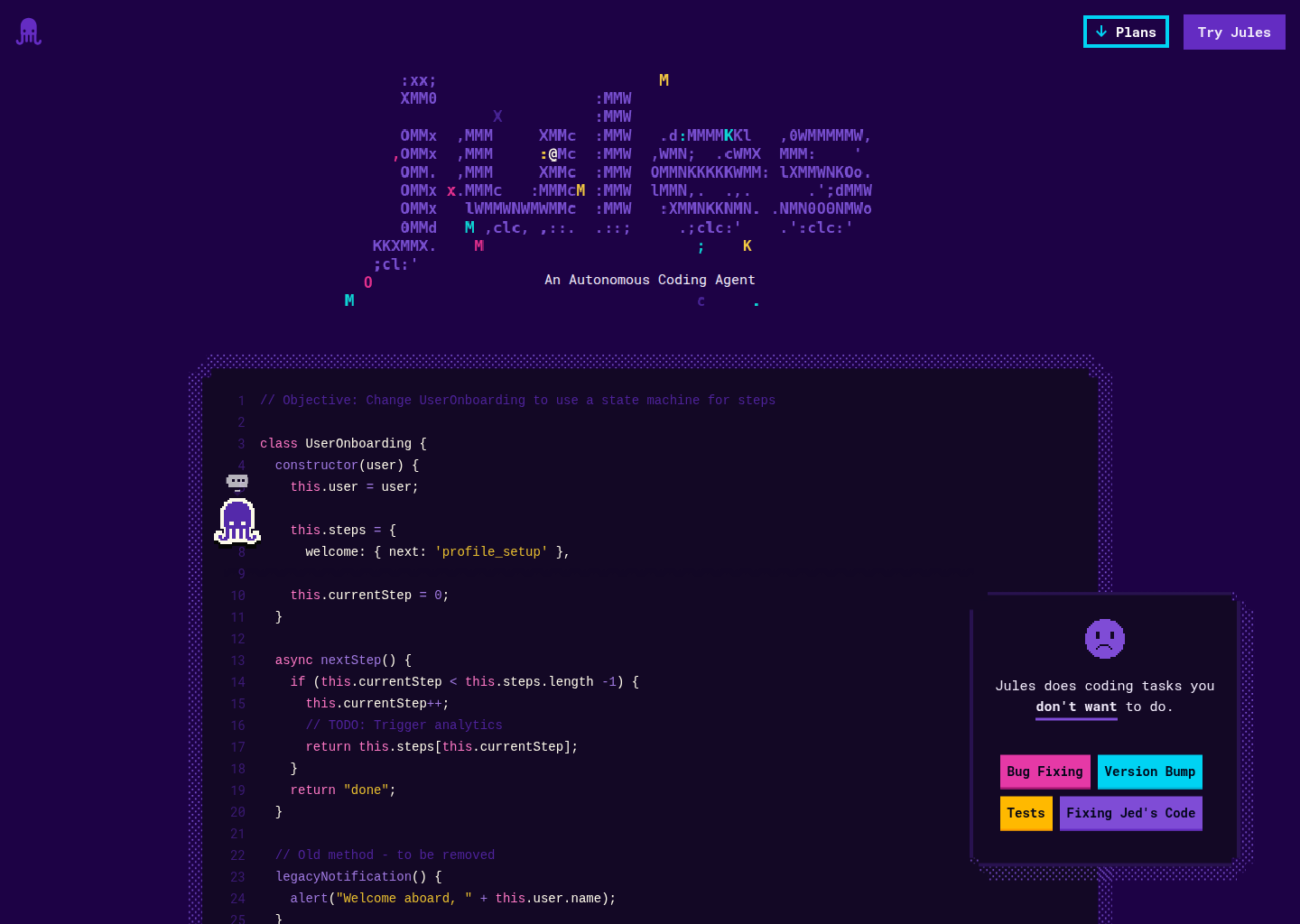
Jules is Google's asynchronous coding agent that connects to repositories, reviews issues, drafts pull requests, and handles background development tasks. As a Windsurf alternative, it is best suited for developers who want GitHub-native task execution without keeping an IDE session open all day. It emphasizes queued work, session-based progress, and repository workflows rather than an always-open editor surface.
Jules vs. Windsurf: Quick Comparison
| Jules | Windsurf | |
|---|---|---|
| Type | Asynchronous coding agent | AI IDE |
| IDEs | GitHub repositories through the Jules web app and API | Standalone editor with built-in agent workflow |
| Pricing | Included with eligible Google AI plans; standalone Jules pricing is not publicly documented | Not publicly documented |
| Models | Latest Google models via Google AI plans; exact routing is not publicly documented | Not publicly documented |
| Privacy / hosting | Cloud service by Google with repository access through the Jules GitHub app; detailed hosting controls are not publicly documented | Cloud-first workflow |
| Open source | No | No |
Key Strengths
- Background-first execution: Jules is built around asynchronous sessions instead of a live co-editing loop. That makes it useful for bug triage, draft pull requests, and queueable maintenance tasks that can run while you stay in your main toolchain.
- Strong GitHub workflow fit: The API reference is repository-centric and uses sources, sessions, and activities to track work. That structure maps cleanly to teams who already organize engineering around repos, issues, and pull requests.
- Automation surface beyond chat: Google exposes an API for creating sessions, approving plans, listing activities, and sending follow-up messages. That gives Jules a credible path into Slack, Linear, and custom delivery flows instead of keeping it limited to a browser tab.
Known Limitations
- Not an editor replacement: Jules is not positioned as a full AI IDE with inline editing, local terminal control, or deep editor ergonomics. Teams that want constant in-editor assistance may find Windsurf more immediate.
- Pricing and capacity are bundle-based: Google documents Jules as part of Google AI plans and says capacity depends on availability. That is less predictable than a clearly packaged standalone developer subscription.
Best For
Jules fits engineers who already live in GitHub and want an agent to pick up scoped work in the background. It is especially strong for maintenance tasks, code review assistance, and queueable fixes that do not require constant interactive steering.
It is also a better fit than Windsurf for teams exploring API-driven agent orchestration. If your workflow starts from repos, tickets, and approval steps instead of an always-open coding editor, Jules feels more natural.
Pricing
- Google AI plans: Jules is included with eligible Google AI plans rather than sold as a standalone developer tool. Google documents extended task and concurrency limits on higher tiers, but standalone Jules pricing is not publicly documented.
- Availability note: Jules is in beta and capacity depends on availability. Google also notes that the product is currently English-only and requires users to be at least 18 years old.
Prices are subject to change. Check the official pricing page for current details.
Tech Details
- Type: Asynchronous coding agent
- IDEs: GitHub repositories through the Jules web app and API
- Key features: asynchronous sessions, activity timeline, plan approval flow, GitHub repository source connection, bug fixing and code review workflows, API access for custom automations
- Privacy / hosting: Cloud service by Google with repository access through the Jules GitHub app; detailed hosting controls are not publicly documented
- Models / context window: Latest Google models via Google AI plans; exact routing is not publicly documented
Setup and Workflow
The API is organized around sources, sessions, and activities. A source is typically a connected GitHub repository, a session is the working container for a task, and activities track the user and agent actions inside that session.
This structure matters because it encourages explicit plan review before execution. The plan approval step is a real operational difference from editor-centric agents that assume you want continuous generation inside the file view.
For engineering managers or platform teams, that means Jules can fit reviewable automation. You can create a task, inspect the proposed direction, approve the plan, and then monitor progress or ask follow-up questions through the activity stream.
Typical Use Cases
- Repository bug fixing: Jules is documented for automating bug fixing and software lifecycle tasks. That makes it credible for engineering backlogs where issues can be described and handed to an agent without immediate editor supervision.
- Code review support: Google explicitly positions Jules for code reviews and draft pull requests. It is a practical fit when you want an agent to prepare changes and commentary before a human reviewer steps in.
- Workflow automation: The API lets teams create sessions and interact programmatically. That makes Jules more interesting for companies that want agent hooks inside internal tooling, chatops, or issue-routing systems.
Team and Operational Fit
Jules works best when your team is comfortable with cloud-hosted repository automation and plan-driven execution. It is less about hand-holding inside an IDE and more about routing real work into an agent queue.
That can be a strength for distributed teams, because the activity log creates a natural audit trail. Instead of losing context in an ephemeral editor chat, you get a session record that can be revisited and extended.
The trade-off is that local-first developers may miss the immediacy of a tool like Windsurf. If your culture depends on rapid inline edits, local terminal loops, and direct editor feedback, Jules can feel one step more abstract.
When to Choose This Over Windsurf
- Choose Jules when you want background execution tied to GitHub repos, approvals, and activity history rather than a constantly open AI IDE.
- Choose Jules when API access and workflow orchestration matter more than editor-native UX.
- Choose Jules when your team prefers handing off defined tasks for reviewable completion instead of pairing with the agent live inside the editor.
When Windsurf May Be a Better Fit
- Windsurf may be better if you want an editor-first experience with direct code navigation, inline edits, and a faster interactive loop.
- Windsurf may be better if most work happens locally and you do not want a repo-centric approval flow before the agent acts.
- Windsurf may be better if you need a more obvious day-to-day replacement for traditional coding inside an IDE window.
Conclusion
Jules is a strong Windsurf competitor when the job is background repository work rather than immersive editor pairing. Its clearest advantage is the explicit GitHub-and-API workflow that supports more structured task automation.
Developers who want a persistent AI IDE may still prefer Windsurf, but teams that think in repos, approvals, and async execution should take Jules seriously.
Sources
FAQ
Is Jules free?
Google does not publish standalone Jules pricing on the product pages used here. Instead, Jules is presented as part of eligible Google AI plans, with higher tiers getting higher task and concurrency limits.
Does Jules work with VS Code?
Google does not position Jules as a VS Code extension or editor plugin on the official pages used here. Its documented workflow is repository-first through the Jules web app and API.
How does Jules compare to Windsurf?
Jules is more asynchronous and GitHub-centric, while Windsurf is more editor-centric. That makes Jules better for queued repository work and Windsurf better for interactive in-editor coding.
Can Jules automate bug fixing and code review?
Yes. Google explicitly documents bug fixing and code review as example uses for the Jules API. Sessions and activities are the core objects used to manage that work.
Is Jules generally available?
Not yet. Google describes Jules as a beta product, and the API itself is documented as alpha. Capacity is availability-dependent and cannot be guaranteed.
Additional Notes
A practical reason to choose Jules over Windsurf is queue management. If your team wants to tee up multiple tasks, inspect the plan, and let the agent work while humans stay focused elsewhere, asynchronous execution is a meaningful product distinction rather than a minor feature checkbox.
Another reason is interface discipline. The official API documents clear boundaries between source connection, planning, approval, and follow-up messages, which can reduce some of the ambiguity that shows up when everything happens inside a single free-form editor chat.
That said, Jules is not the obvious choice for everyone. Developers who spend all day shaping code interactively may still prefer an IDE-native flow because it shortens the loop between thought, edit, compile, and retry.
In other words, Jules competes with Windsurf from a different angle. It is less about replacing your editor and more about becoming a background engineering agent attached to your repository workflow.
Additional Evaluation Notes
Jules also deserves attention for teams that need approval checkpoints before an agent changes code. That extra review step can feel slower than an IDE-native flow, but it also reduces the chance that a background task quietly drifts away from the original request. For organizations with stricter review norms, that trade-off is often worth making.
Another practical angle is task bundling. Because Jules is organized around sessions and activities, it can capture follow-up questions, plan revisions, and completion history in one place. That is useful when multiple people need to understand what the agent did and why, especially across longer-running repository tasks.