GitHub Copilot
AI pair programmer that provides code completions and chat assistance directly in your editor.
GitHub Copilot
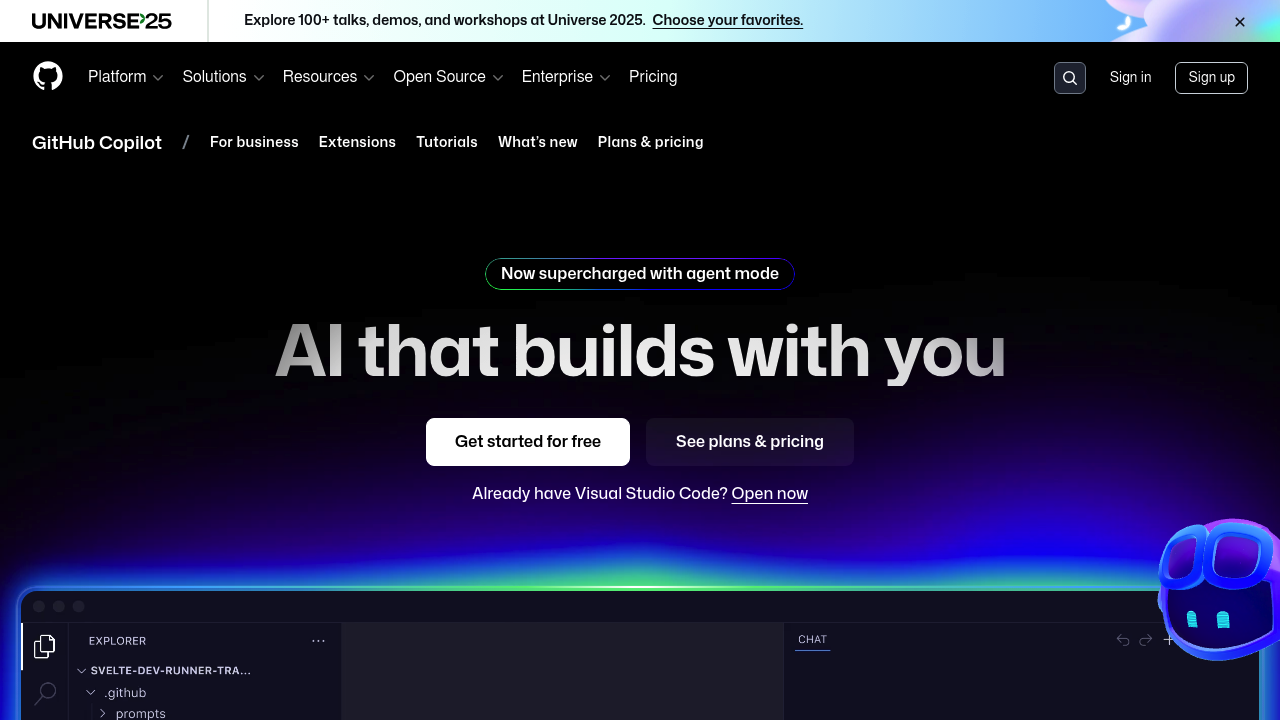
GitHub Copilot is Microsoft's AI coding assistant that generates code suggestions as you type. It integrates natively with popular IDEs and provides real-time completions, chat functionality, and code review capabilities. Solo developers benefit from its mature ecosystem, extensive IDE support, and access to multiple AI models including GPT-5 and Claude 3.5 Sonnet.
Strengths
- Extensive IDE integration — Works natively in VS Code, Visual Studio, JetBrains IDEs, and Neovim
- Multiple AI models available — Access to GPT-5, GPT-5 mini, GPT-4.1, Claude 3.5 Sonnet with auto model selection
- Mature feature set — Code completions, chat, agent mode, code review, and inline editing
- Free tier available — 2000 completions and 50 chat requests monthly for VS Code users
- Enterprise-grade reliability — Backed by Microsoft with established SLA and support infrastructure
- Context-aware suggestions — Understands repository structure and coding patterns for relevant completions
Weaknesses
- Premium request limits — Advanced features consume monthly allowances that reset monthly
- Microsoft ecosystem bias — Optimized primarily for Microsoft development tools and workflows
- Subscription costs — Paid plans start at $10/month for individuals, $19/month per user for teams
- Limited customization — Less flexibility in model selection and prompt engineering compared to open alternatives
Best for
Solo developers working primarily in VS Code or Visual Studio who want reliable AI assistance with minimal setup.
Pricing plans
- Copilot Free — $0/month — 2000 completions, 50 chat requests, GPT-4o and Claude 3.5 Sonnet access (VS Code only)
- Copilot Pro — $10/month — Unlimited completions and chat, premium model access, monthly premium request allowance
- Copilot Pro+ — $39/month — Higher premium request limits, priority access to new features
- Copilot Business — $19/user/month — Team management, usage analytics, enterprise controls
- Copilot Enterprise — $39/user/month — Maximum premium requests, advanced security, custom fine-tuning
Tech details
- Type: Cloud-based AI coding assistant
- IDEs: VS Code, Visual Studio, JetBrains IDEs (IntelliJ, PyCharm, WebStorm), Neovim, Vim
- Key features: Real-time code completions, chat interface, agent mode, code review, inline editing, smart actions
- Privacy/hosting: Cloud-hosted, Microsoft processes code snippets, configurable data retention policies
- Models/context window: GPT-5, GPT-5 mini, GPT-4.1, Claude 3.5 Sonnet, context varies by model (~128K tokens)
When to choose this over Windsurf
- Established IDE workflows — Already using VS Code, Visual Studio, or JetBrains IDEs extensively
- Team collaboration needs — Require enterprise features, usage analytics, and administrative controls
- Stability preference — Want proven reliability and Microsoft backing rather than newer experimental features
When Windsurf may be a better fit
- Cost sensitivity — Need more generous free tiers or lower subscription costs for advanced features
- Customization requirements — Want more control over AI model selection, prompting, or local processing options
- Experimental features — Prefer cutting-edge capabilities over established, stable functionality
Conclusion
GitHub Copilot remains one of the most widely adopted Windsurf alternatives, offering comprehensive IDE integration and access to multiple leading AI models. Its strength lies in mature enterprise features and Microsoft ecosystem integration. The recent introduction of a free tier makes it accessible to solo developers, though premium features require paid subscriptions. Choose Copilot if you prioritize reliability, broad IDE support, and don't mind Microsoft's development approach.